
Volcanoes with real lava
Volcano, crater and caldera islands, with real damaging Rust lava in the vent.
 Crucible Heightmap
Conjure the land, generate everything Rust needs on top, and export one .map for Creator.
Every Rust map starts as a grayscale image. Brightness is height.
Beaches, slopes, cliffs and ridges, all from its own custom generator.
Biomes, topology, ground textures, lakes and custom-generated cliffs.
Add monuments and roads in Creator.
Go back and change any step.
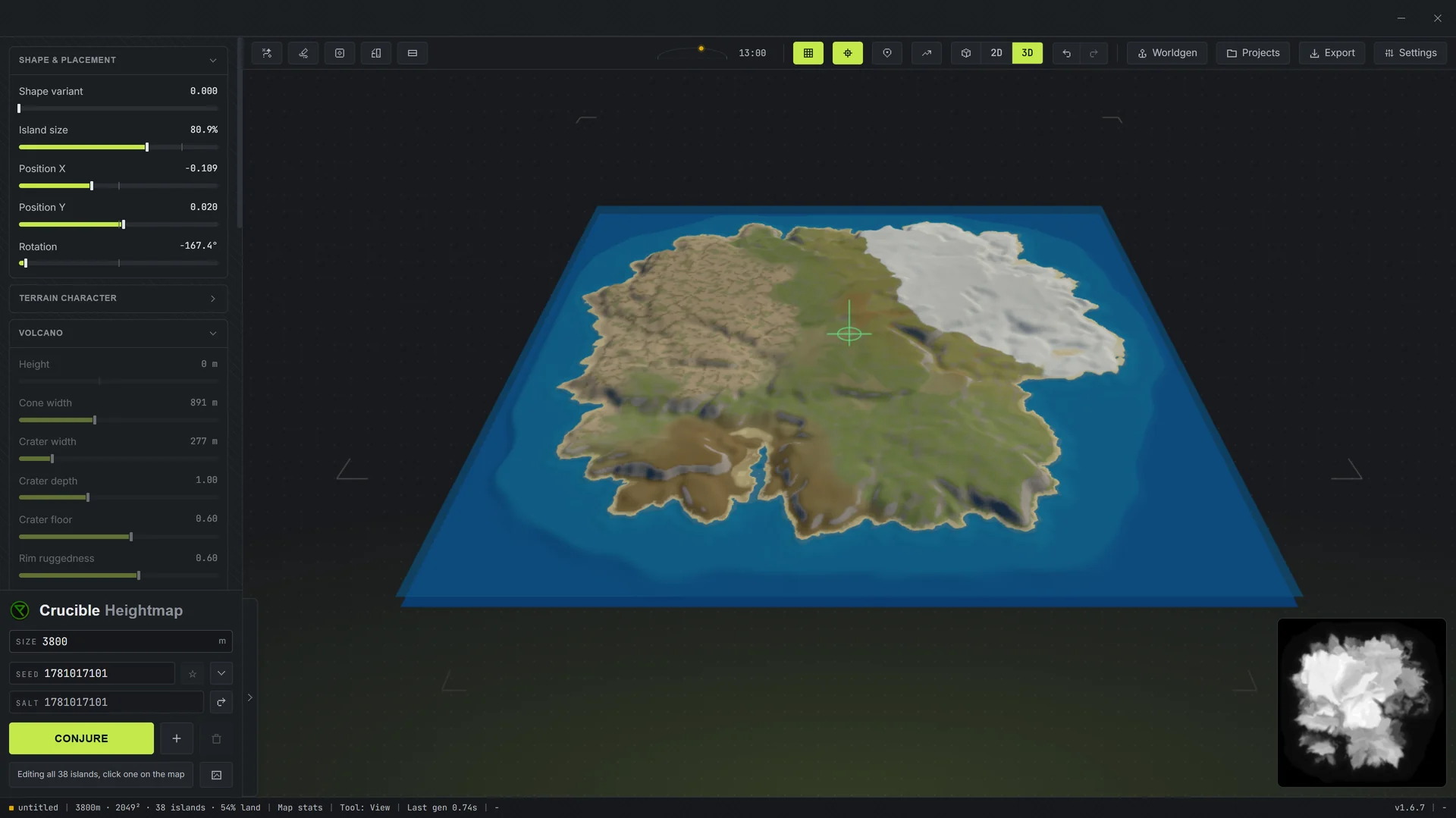
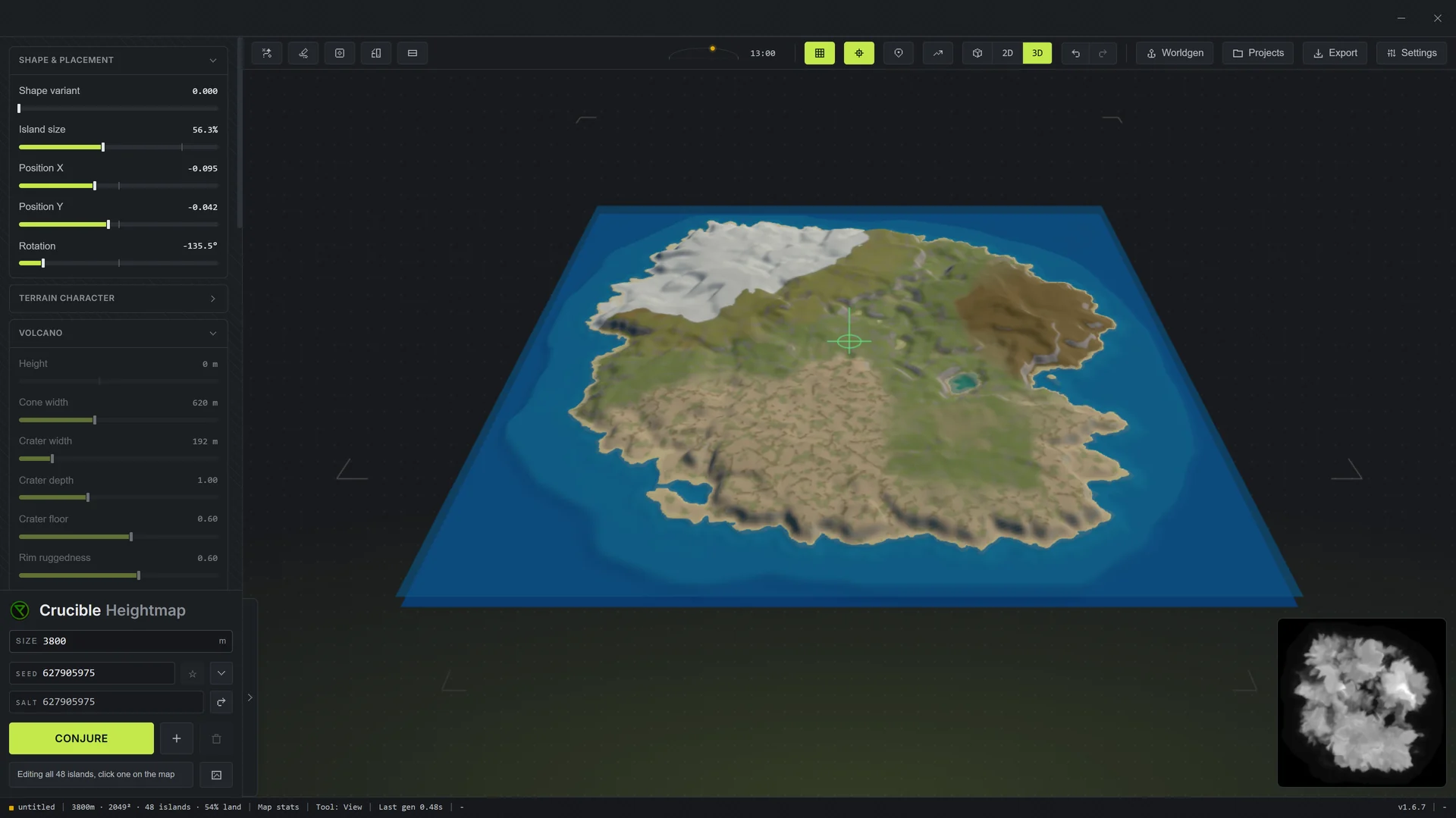
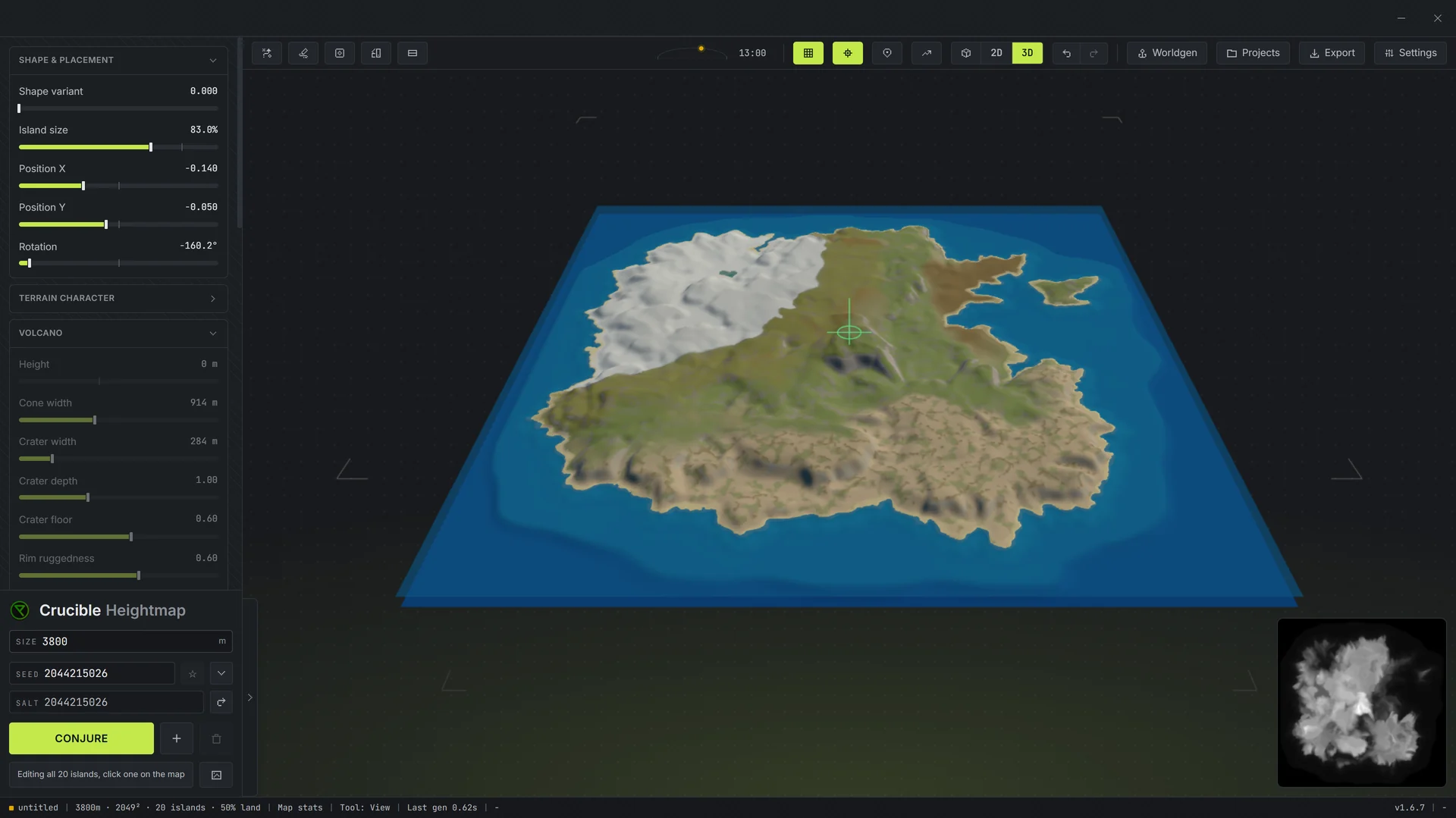
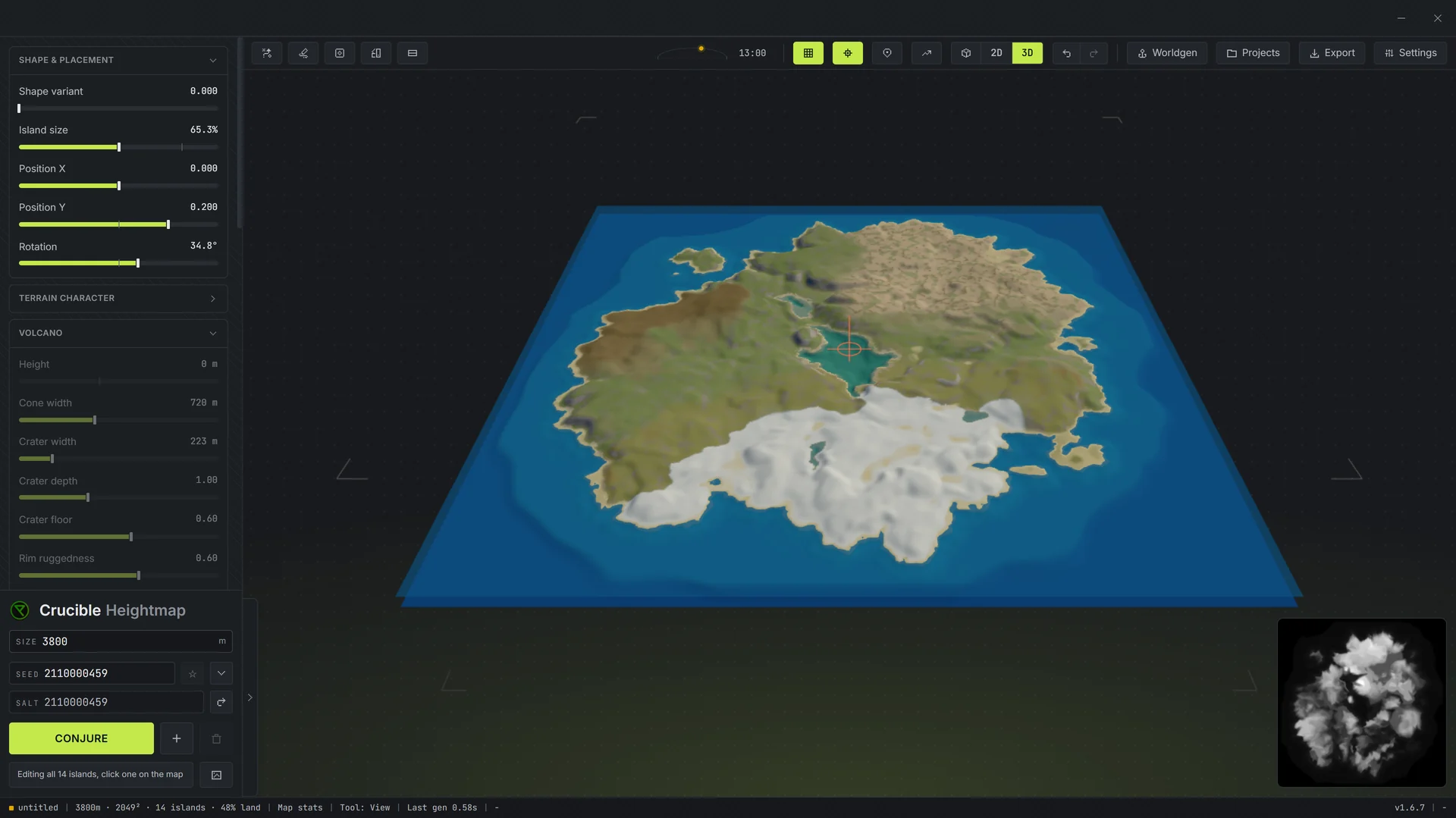
Press Conjure and a whole new map appears. Keep pressing until one fits.
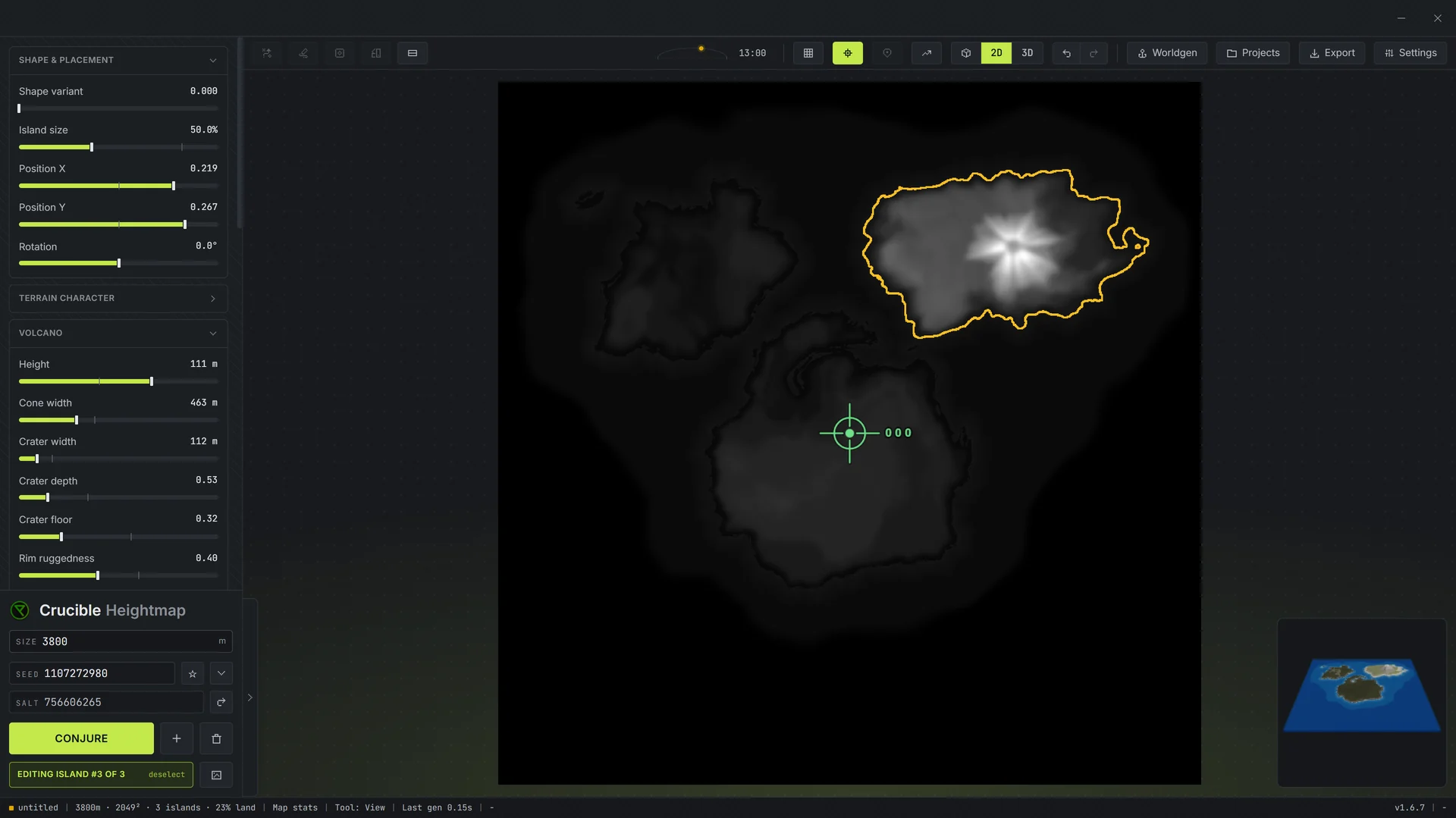
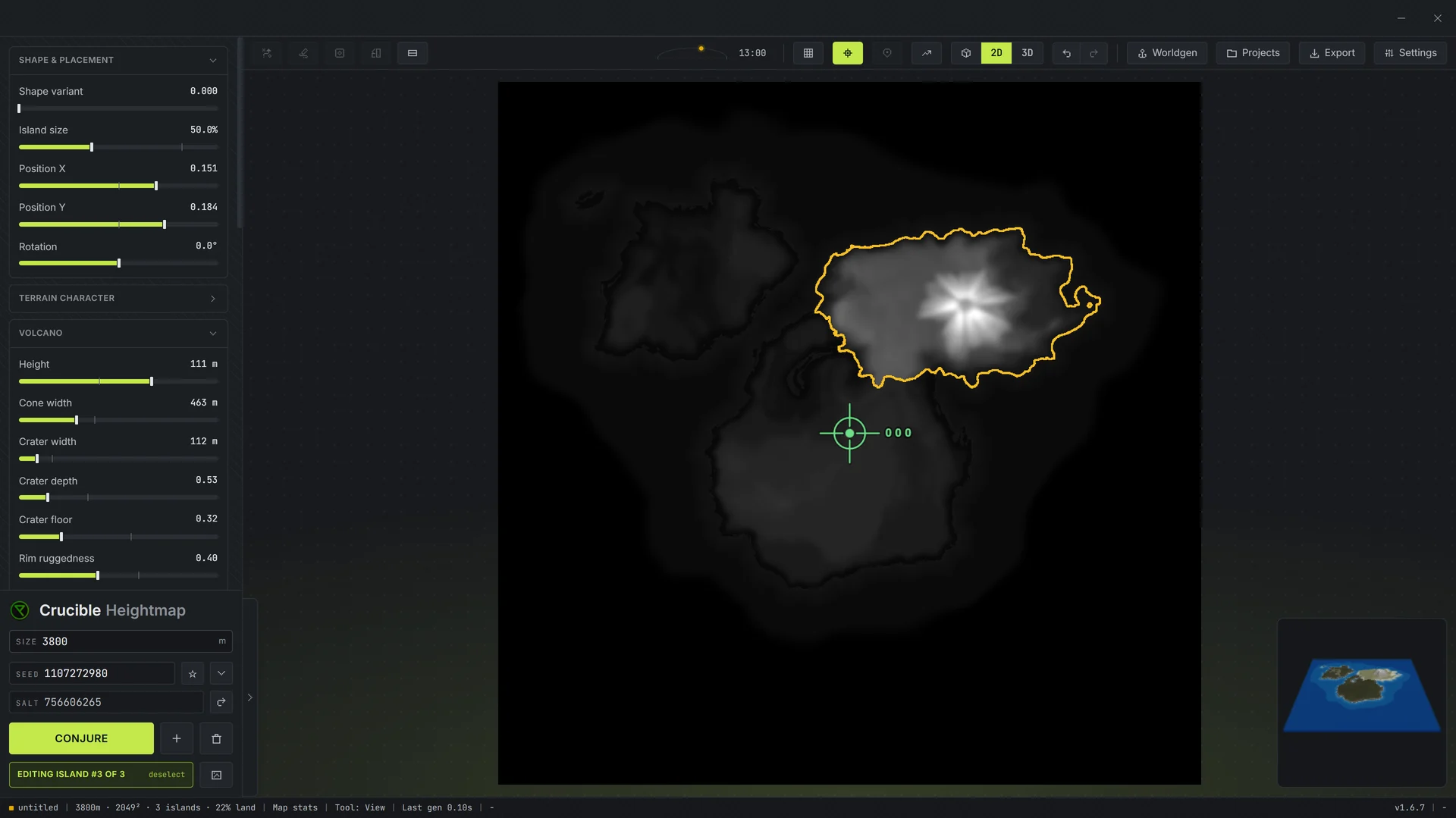
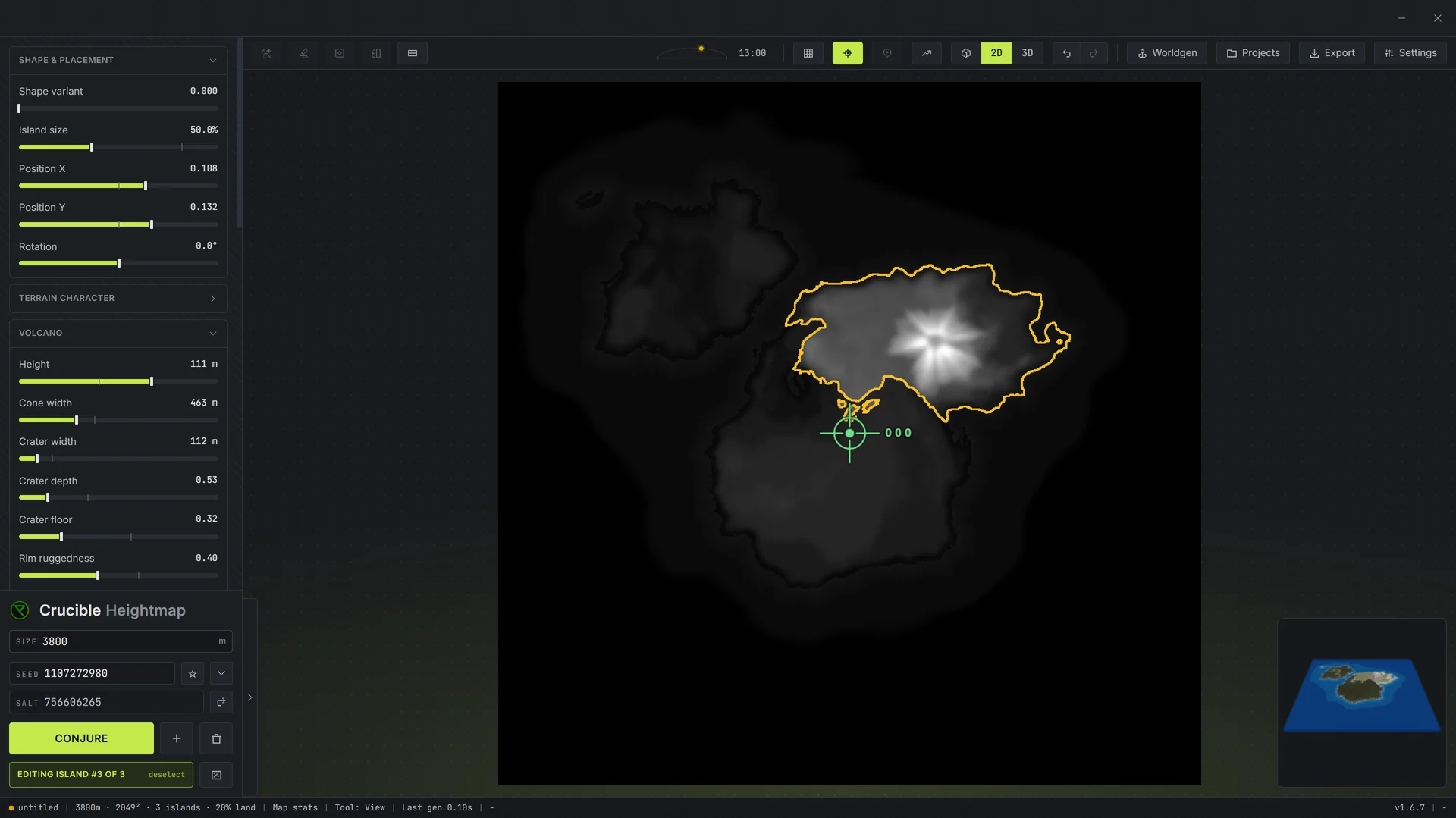
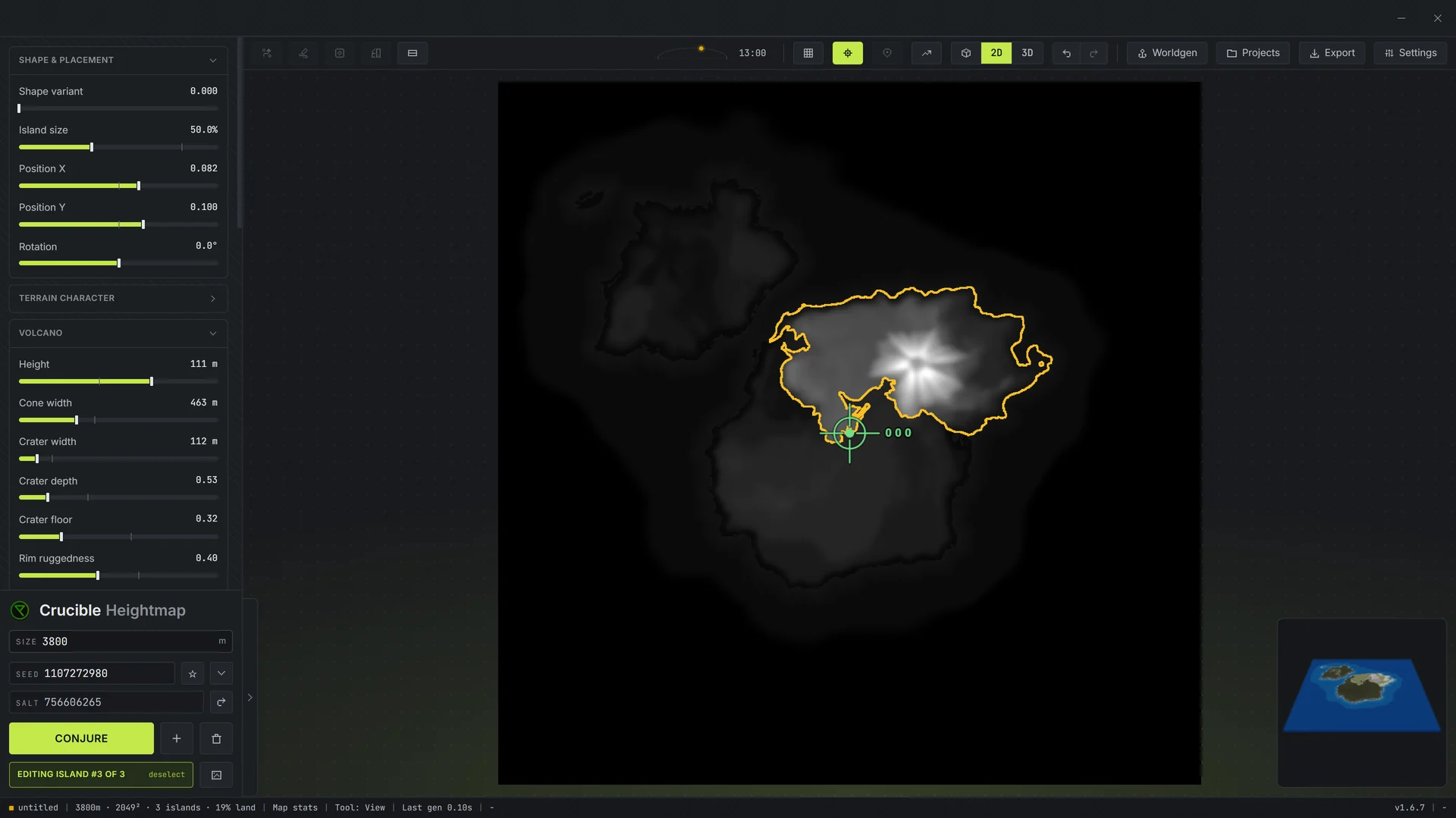
Place islands by hand: drag them together, then size and turn each one.
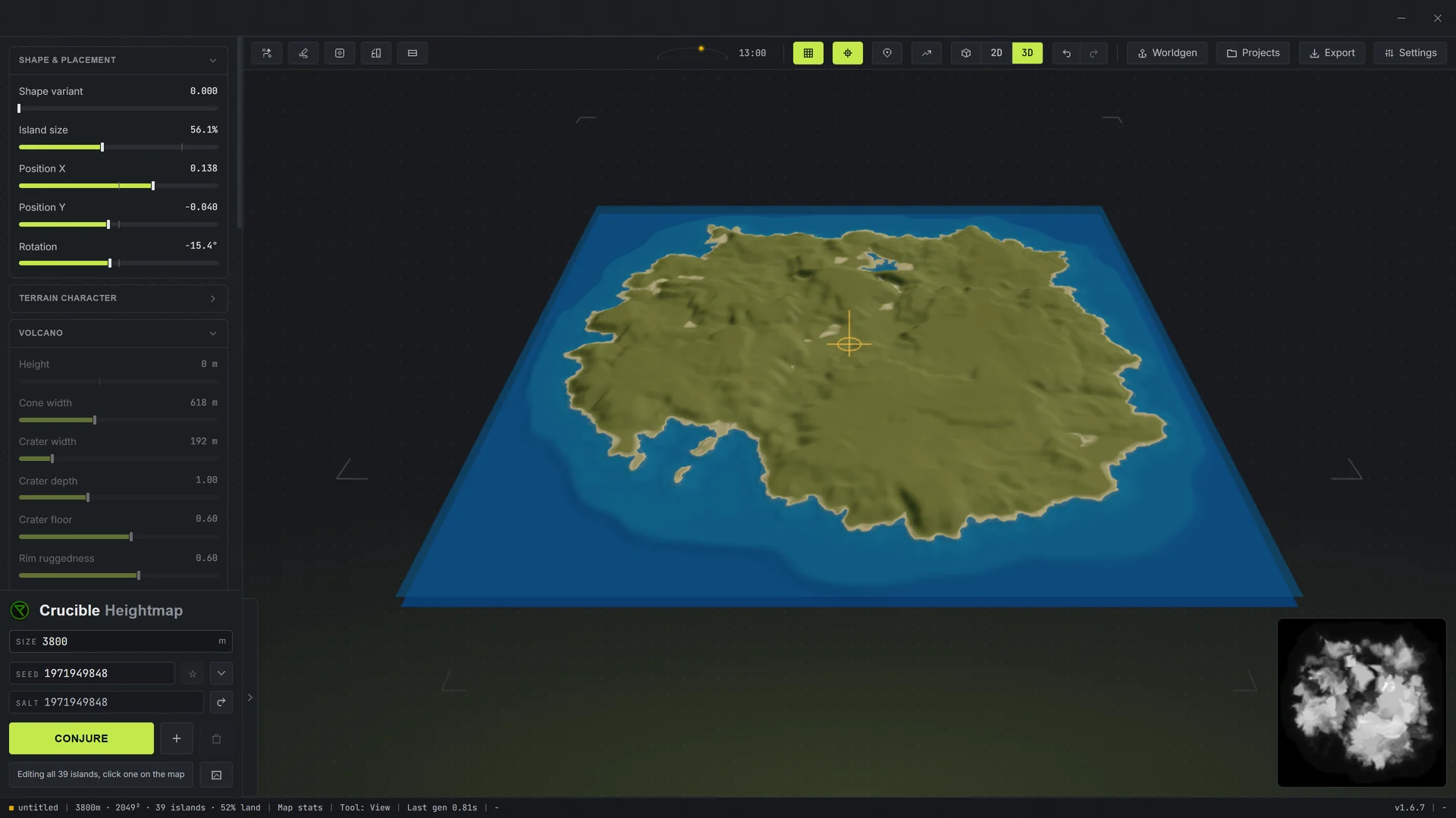
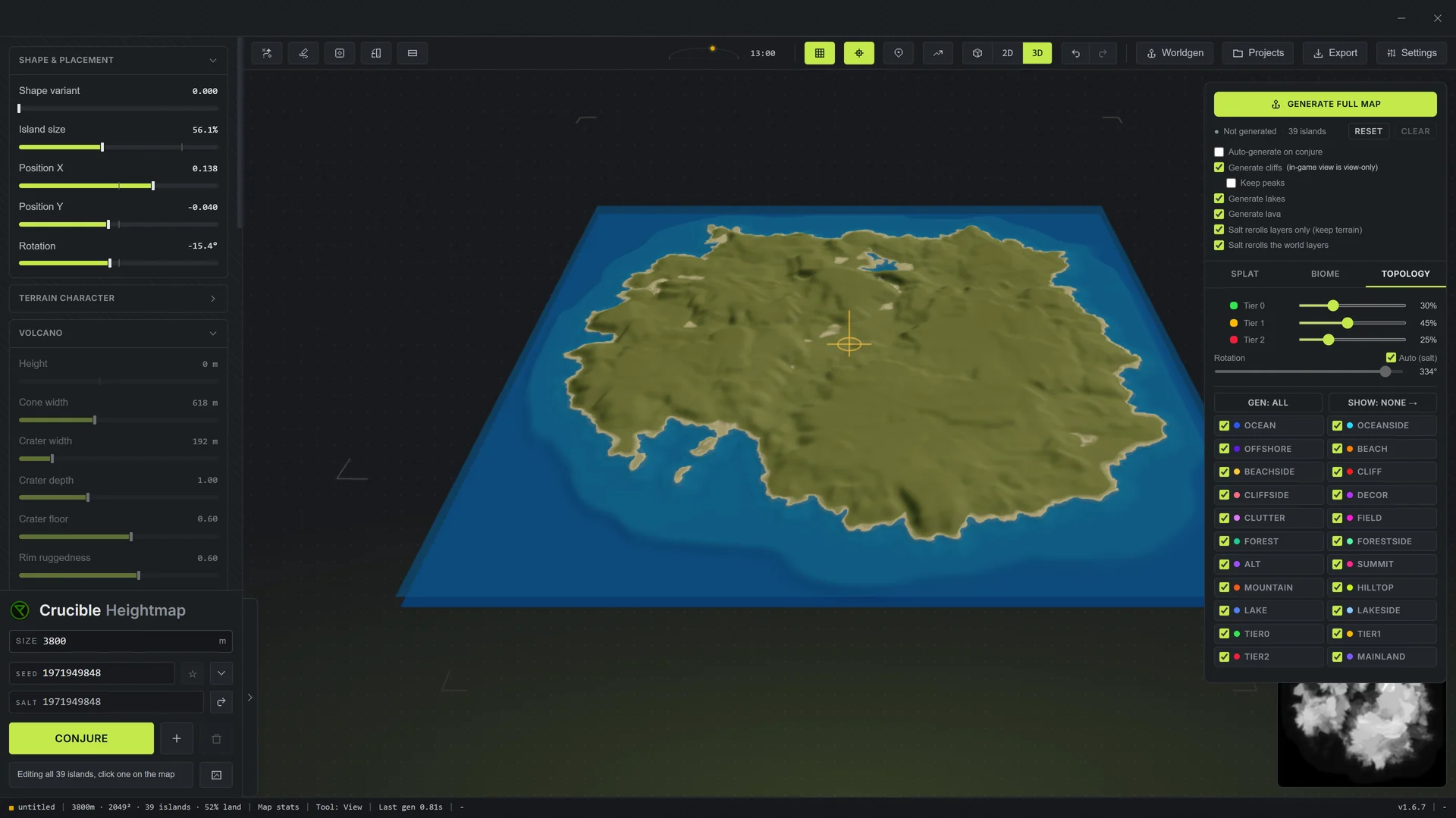
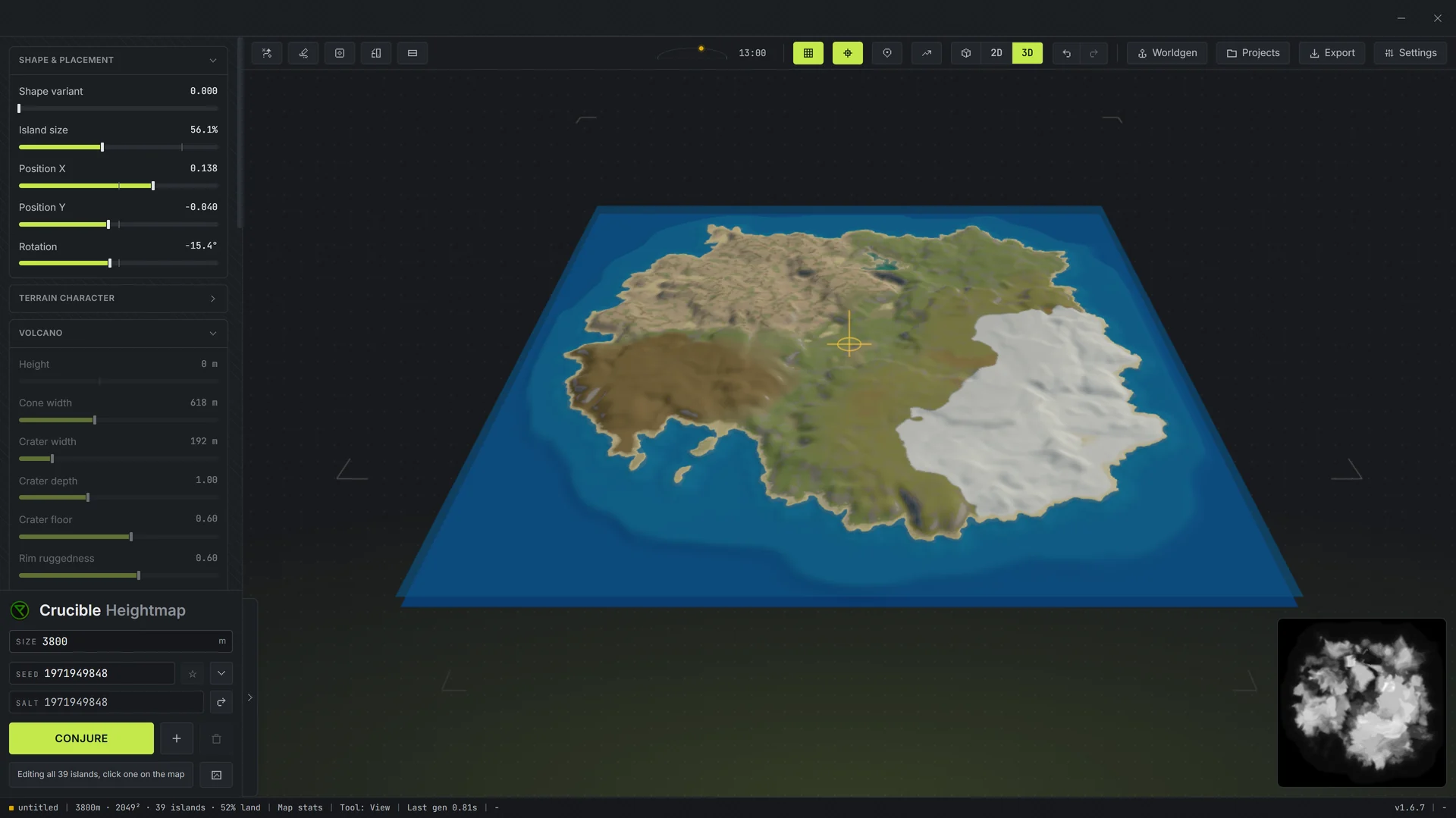
One button builds the whole map on top of your land.
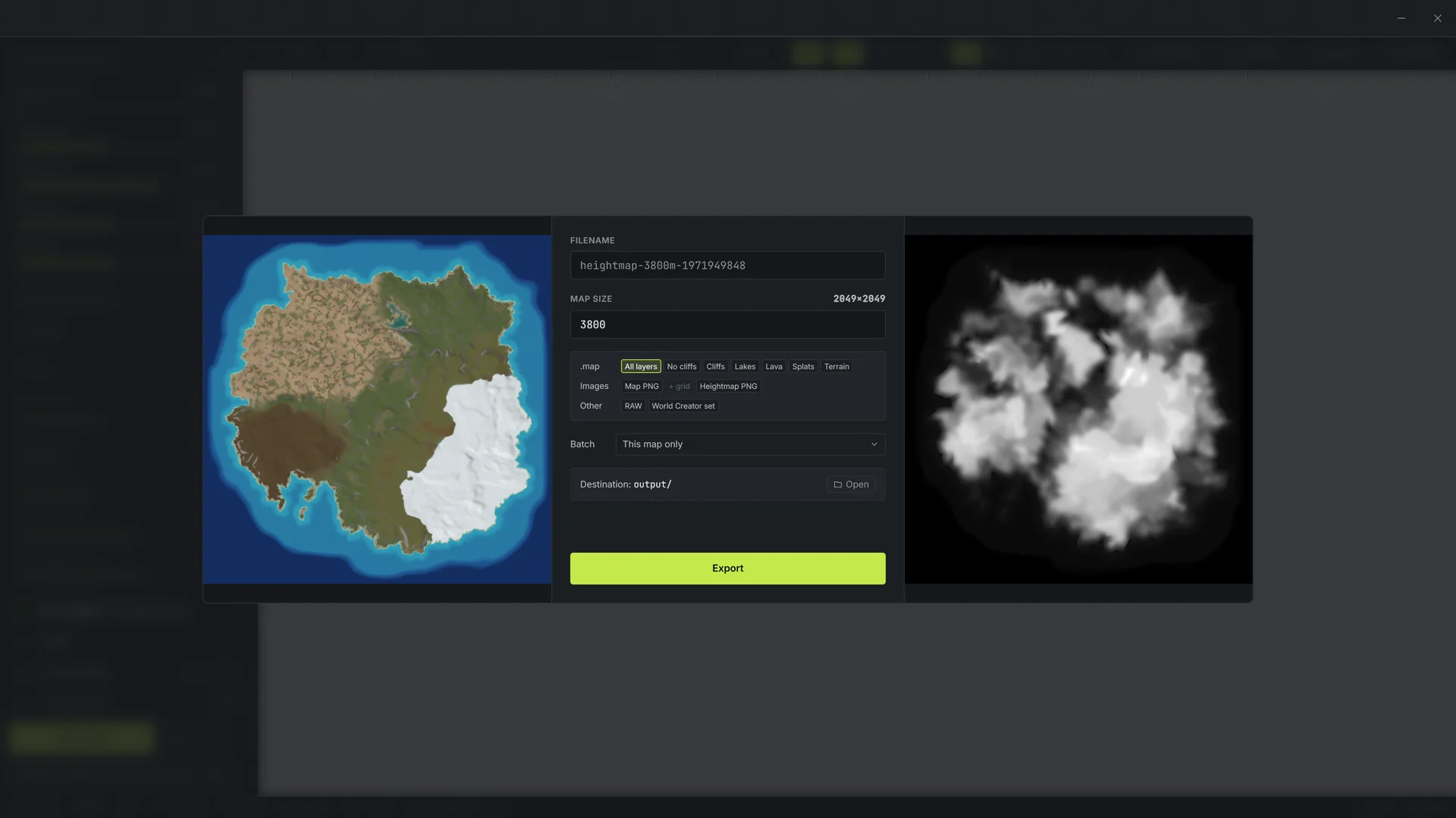
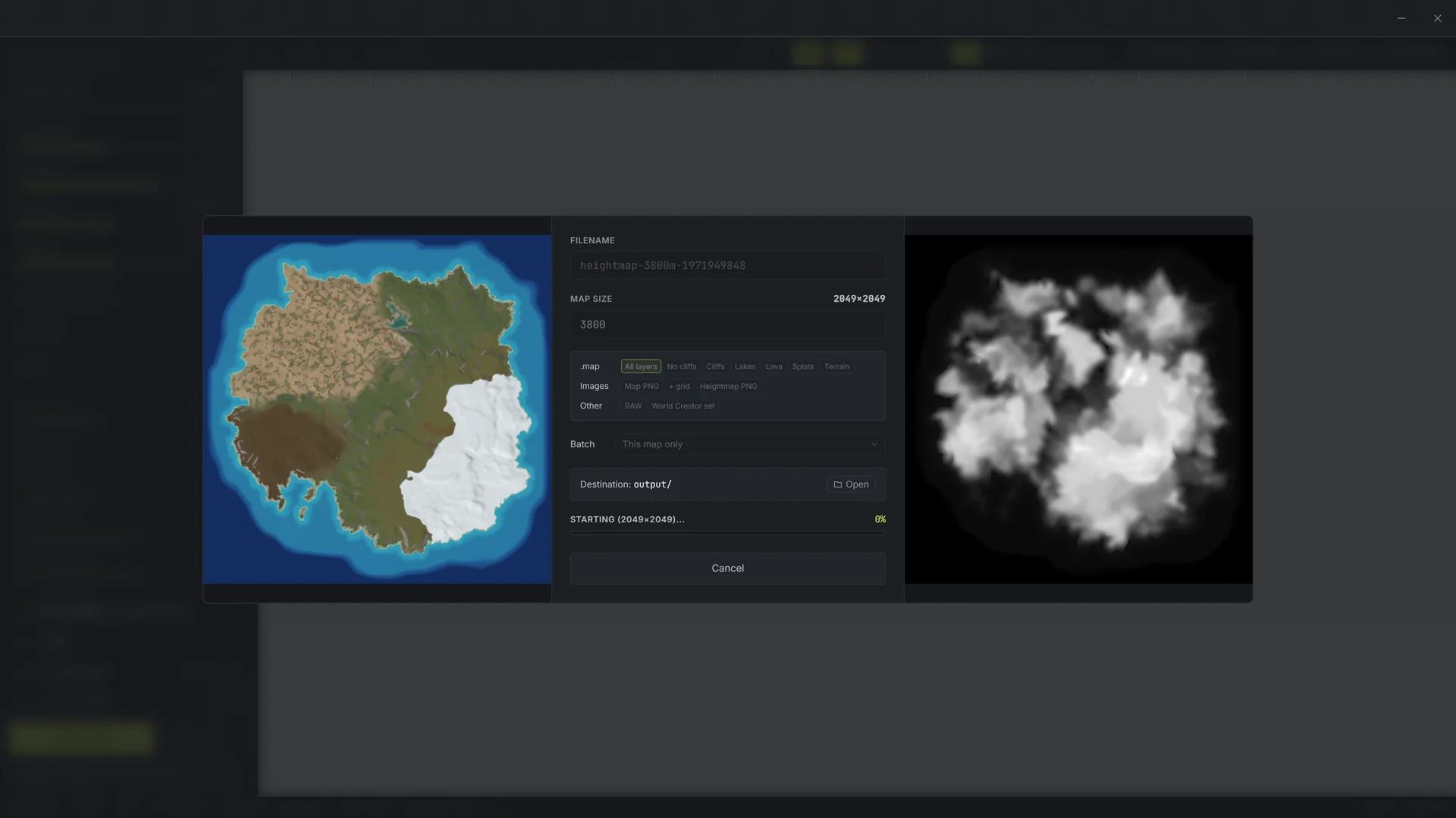
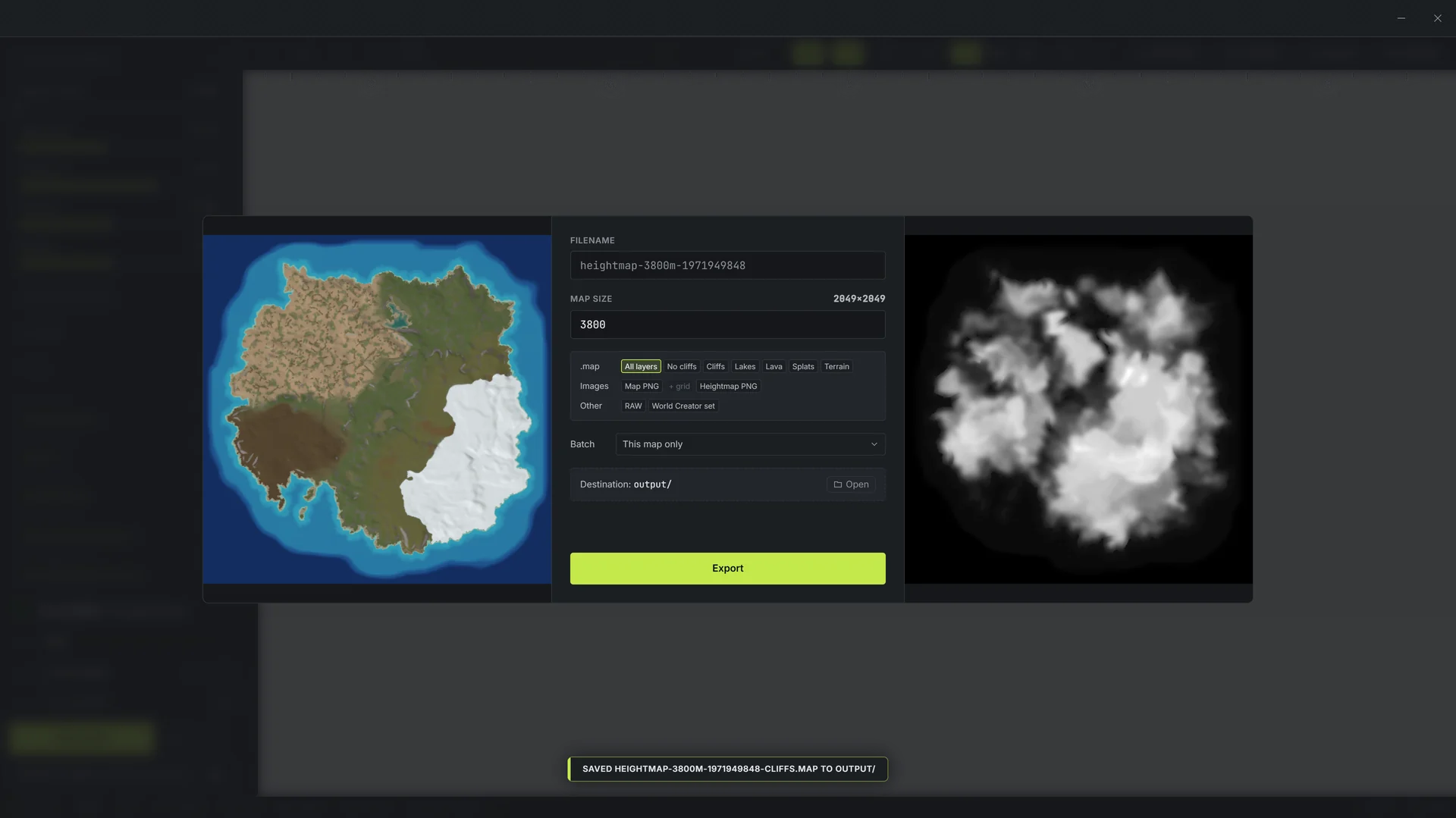
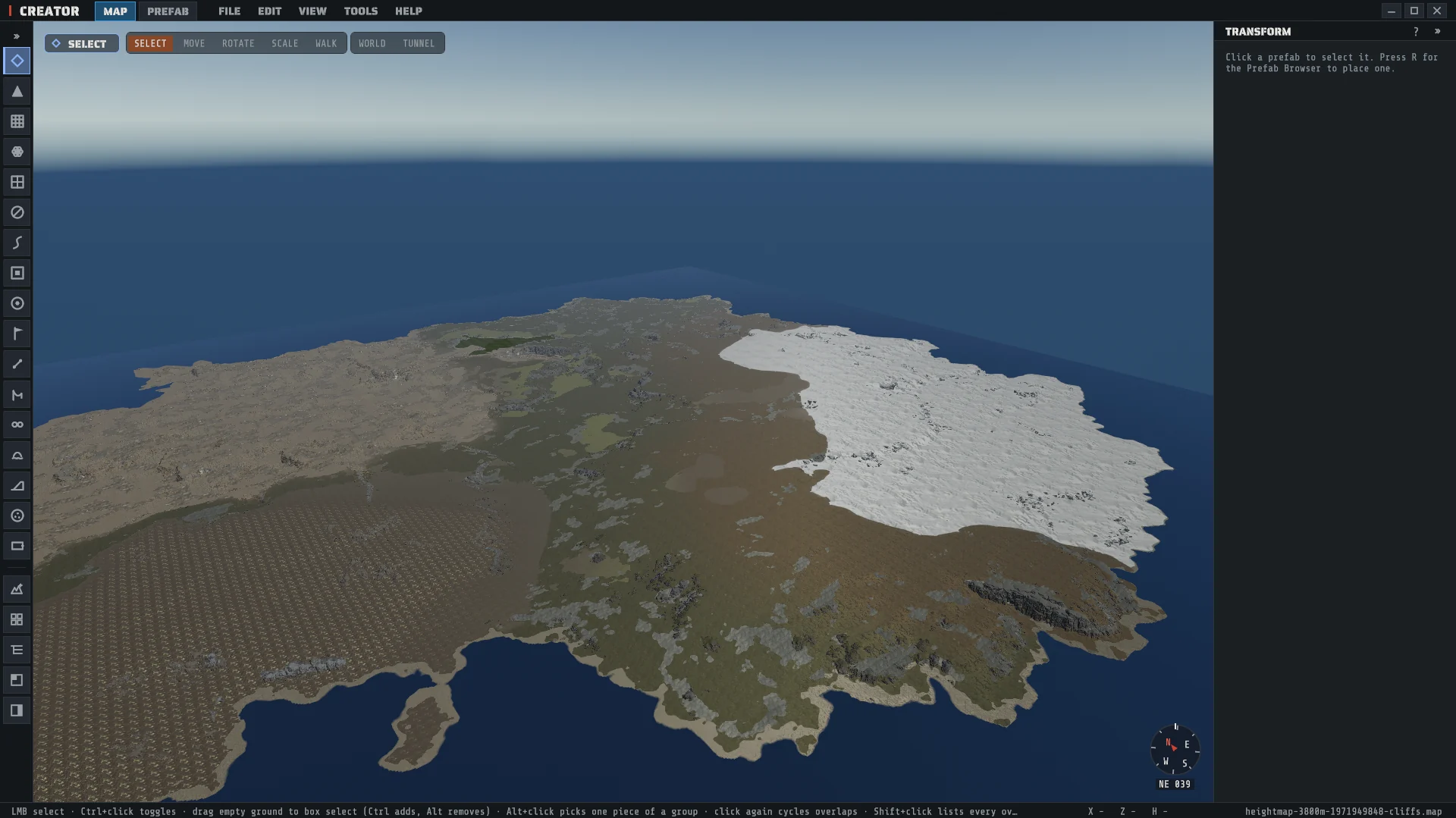
One .map that opens in Creator, every layer in place.
Drag the slider. Heightmap on the left, the finished map on the right.
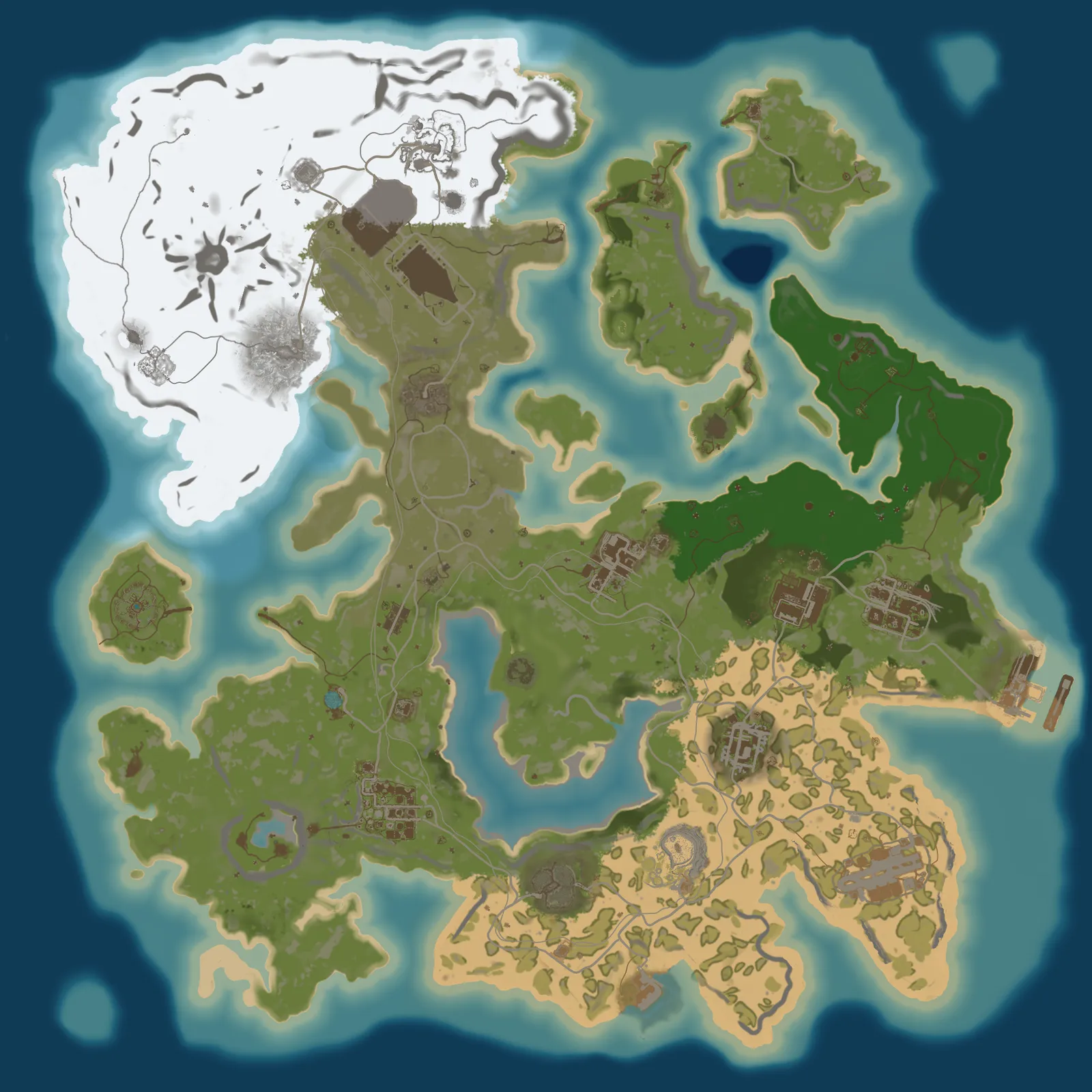
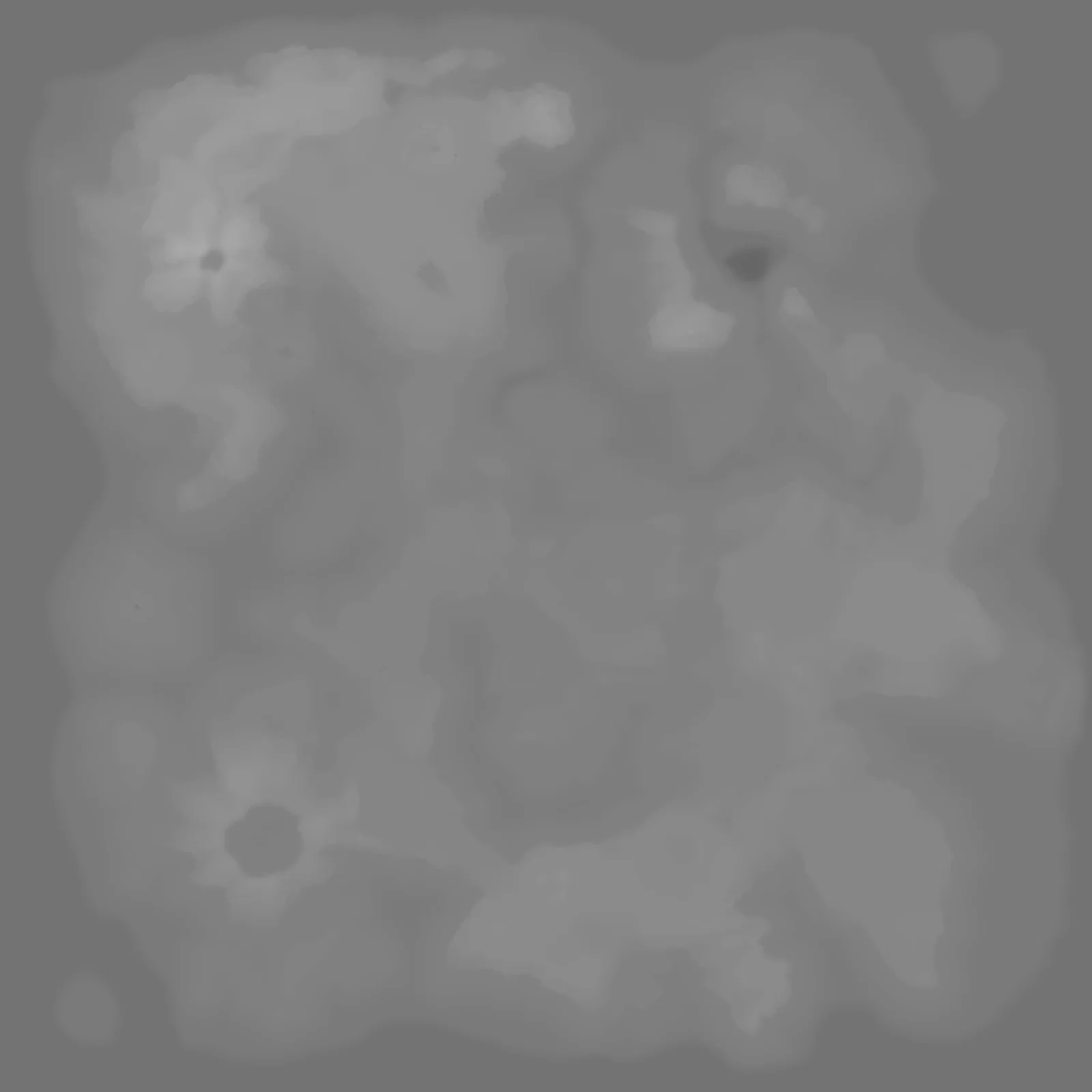 Heightmap Finished map
Volcano, crater and caldera islands, with real damaging Rust lava in the vent.
Heightmap's own cliff generator places Rust's real cliff and rock models on steep ground, saved in the .map.
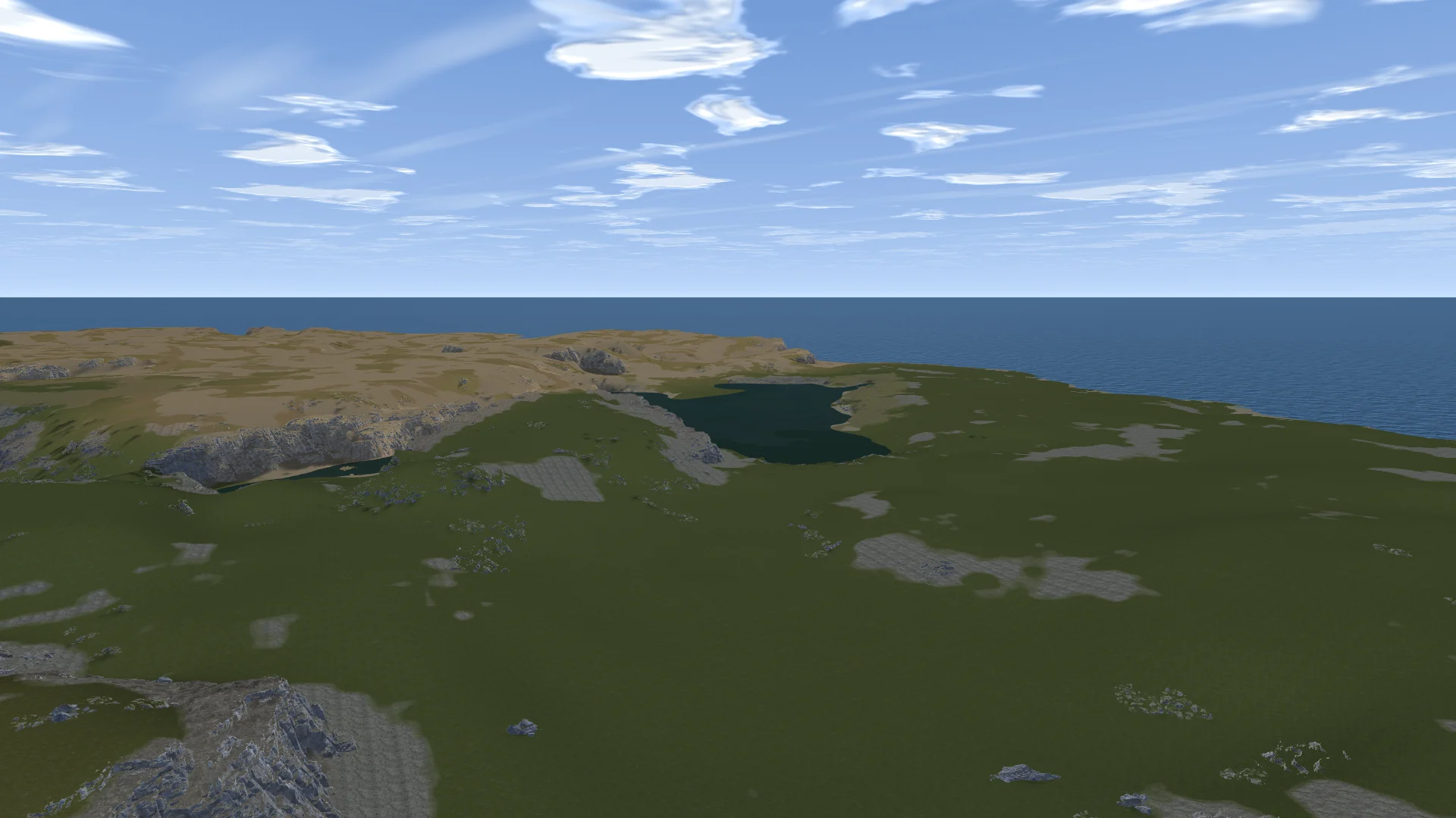
Rust's ground textures, water and sky, live in 3D. Fly around, paint and sculpt as you go.
Draw an outline or bring in a picture, and get a whole map in that shape.


Buildable ground, monument room and spawn land, measured against a real Rust map of the same size.
Save a project, come back to it later, and export every project in one go.
English and 11 more. Switch it in the Crucible launcher.
The full map in one file, in seven Rust map versions. Opens straight in Creator.
True 16-bit grayscale height.
16-bit grayscale, plus a full color map.
513, 1025, 2049 and 4097, the standard Rust sizes.
Billed monthly. Cancel any time in the Shop. $44.99 once a year, that's $3.75 a month. Cancel any time in the Shop.
How buying works
A Windows app for making Rust maps. Generate the land, shape it by hand, then generate the rest on top: biomes, topology, ground textures, forests, lakes, lava and custom-generated cliffs. It all exports as one .map, so Creator opens a finished map instead of a bare heightmap.
Open your .map in Creator. Place monuments, roads and prefabs yourself, or let Creator Mode, Creator's own custom proc gen, place them on your land. Everything you made in Crucible Heightmap comes with it.
Heightmaps at 513, 1025, 2049 and 4097, the standard Rust sizes. The map size you pick decides which one, and the .map, .raw and .png exports all match it.
A Windows 10 or 11 PC. Download Crucible, open Crucible Heightmap from it, and subscribe in the Shop. Mac and Linux are both planned.
Up to 2 Windows PCs on one plan. To move to a new PC, deactivate the old one in Crucible first.
Yes. The maps are yours, even after your plan ends. Run them on your servers, share them or sell them.
Load it on your own server with Crucible Local Server, which is free, then join and walk it.
Nothing found. Try the docs or ask on Discord.