
Bridges between islands
Creator Mode joins your islands with bridges.
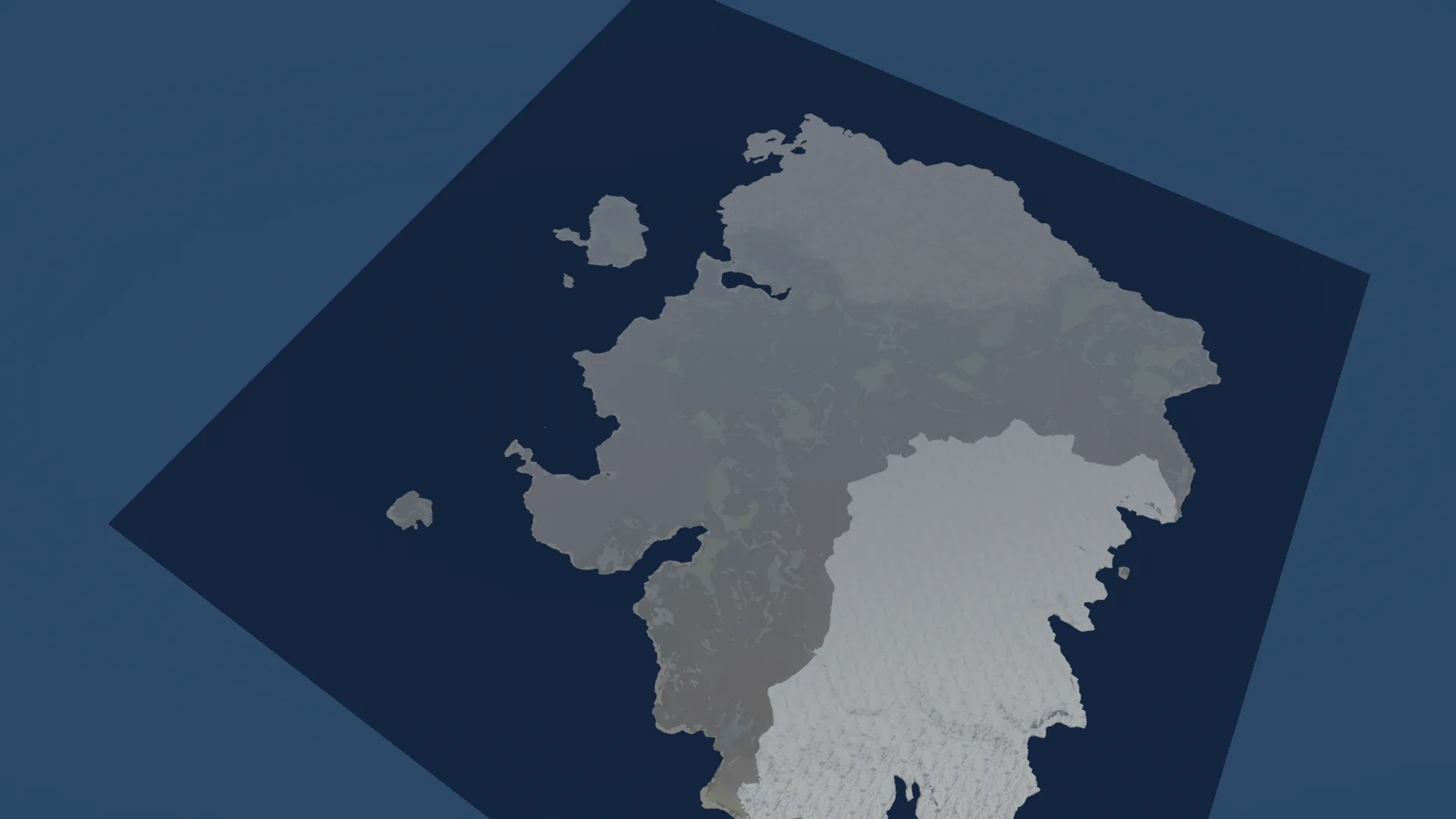
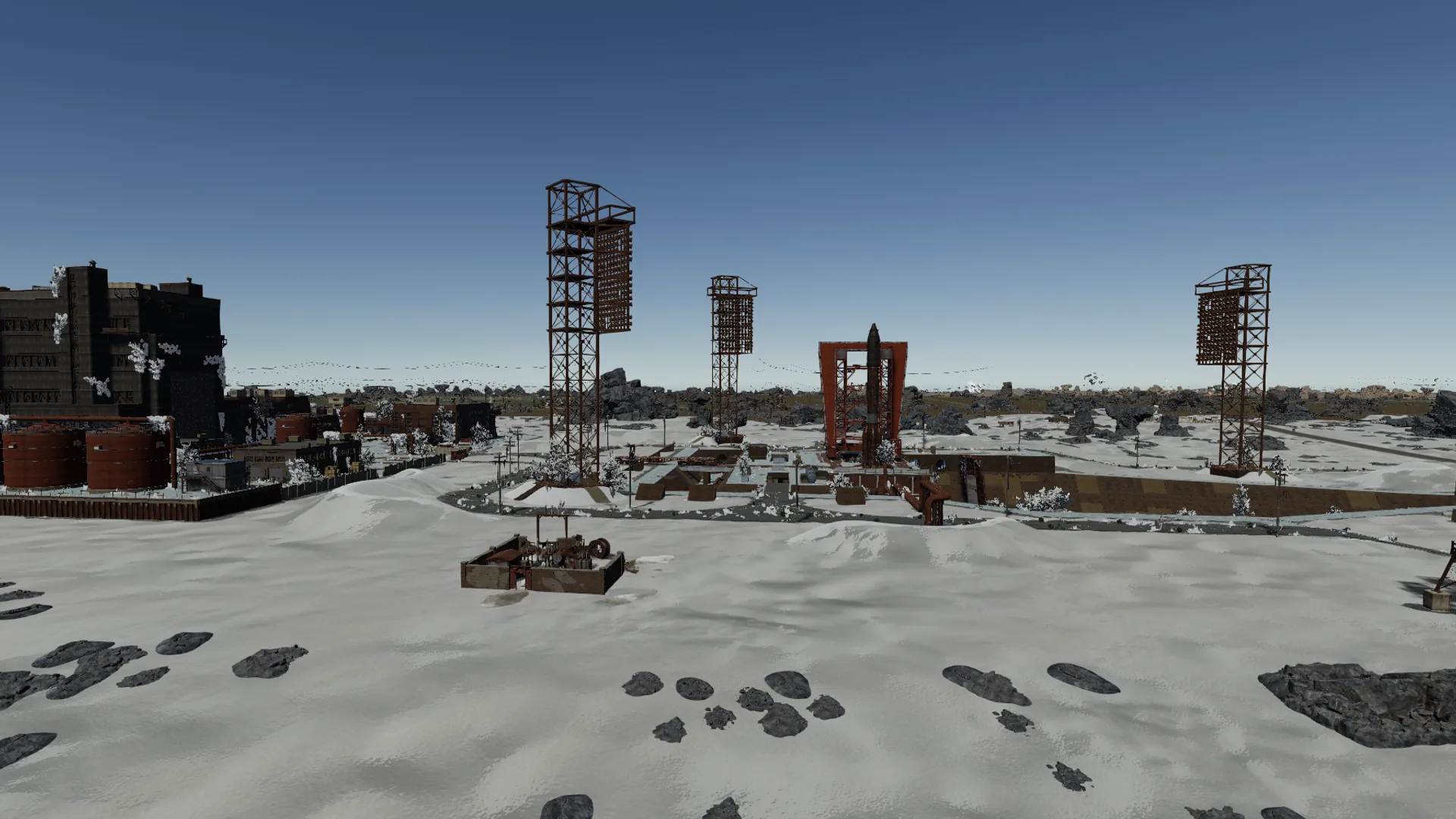
 Creator, by Rook
Open any map or proc gen a new one, then finish it in 3D, the way it looks in game.
Any .map, or one you made in Crucible Heightmap.
Creator Mode's custom proc gen places the monuments, roads, rail and rivers.
Rocks and trees, spawned where Rust puts them.
Change anything you want, then save it as one .map.
Standard Mode runs Rust's own proc gen, pass by pass. Creator Mode is Creator's own custom proc gen, for the land you bring and the things you pick.
What a Rust server builds from a size and a seed.
Creator's own custom proc gen on your land, with the monuments, pins, bridges and roads you pick.


Drag the slider to see what proc gen adds.
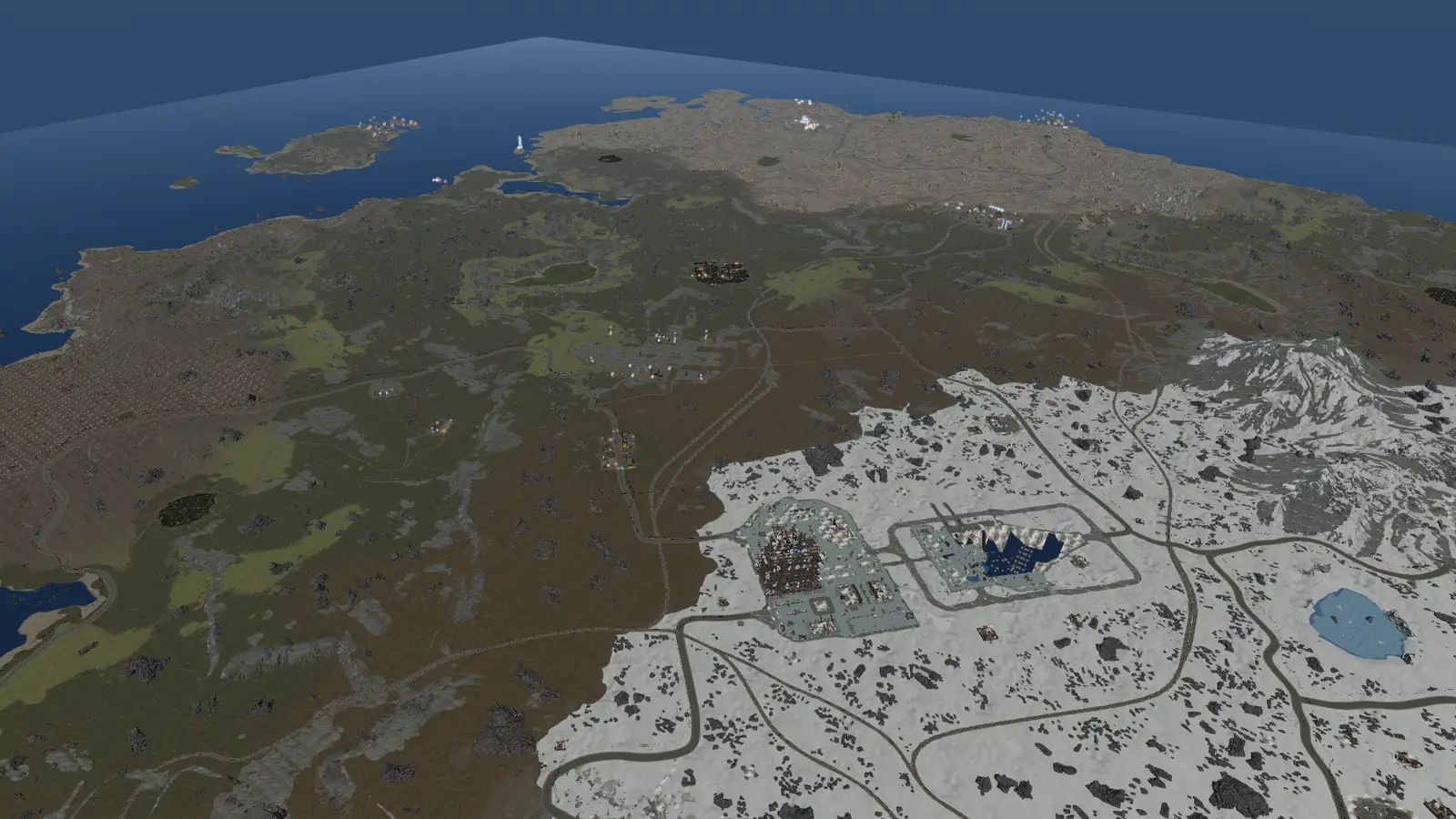
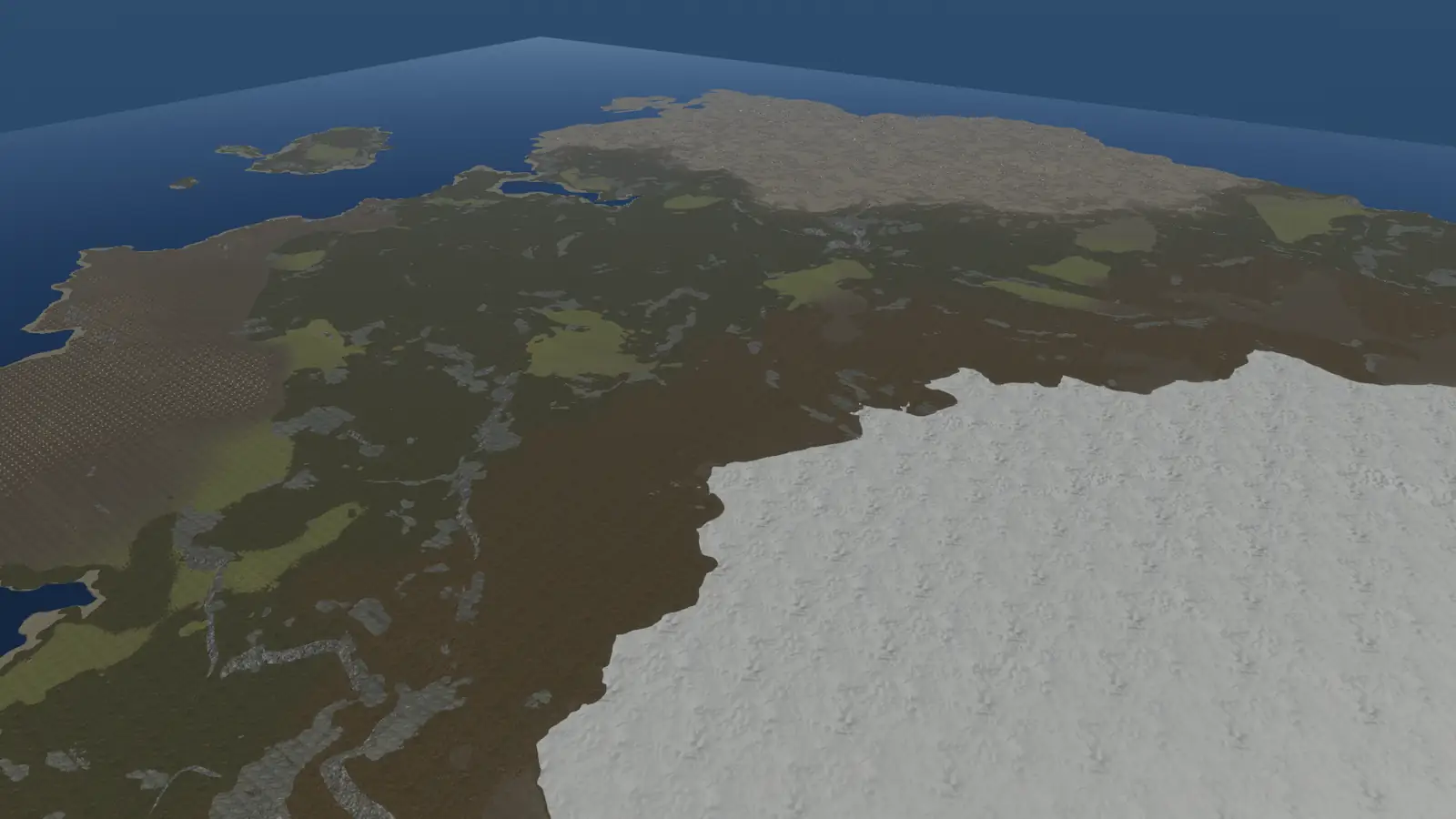 Your land Generated
Creator Mode joins your islands with bridges.
Creator Mode runs one road around each island.


Install it on your Oxide or Carbon server for trigger volumes, IO wiring, spawn points, loot, vending and NPC profiles, and ziplines.
Everything saves to a normal .map that a stock Rust server reads.
Creator reads the game from your install and never changes it.
 Crucible Heightmap included
Billed monthly. Cancel any time in the Shop. $214.39 once a year, that's $17.87 a month. Cancel any time in the Shop.
How buying works
Download Crucible, subscribe to Creator in its Shop, then install Creator from your Apps and press Play.
Up to 2 Windows PCs on one plan, for both Creator and Crucible Heightmap. To move to a new PC, deactivate the old one in Crucible first.
Yes. A Creator plan unlocks Crucible Heightmap too, so one plan covers shaping the land and finishing the map.
Creator's own custom proc gen, beyond vanilla Rust: it builds on your own land, with the monuments, island pins, bridges and roads you pick. Standard Mode is Rust's own proc gen and builds what a Rust server would from a size and a seed.
Rook makes Creator. You install and update it from Crucible, next to Drizzza's apps.
Yes, through Steam. Creator reads the game's art straight from your Rust install.
Windows 10 or 11, 64-bit, and a PC that runs Rust. For maps at 4000 or larger, 32 GB of RAM is recommended.
Yes. Creator saves standard .map files a stock server reads. Volumes, IO wiring, spawn points, loot, vending and NPC profiles, and ziplines need the Creator server extension, which comes with it.
An add-on you install on your Oxide or Carbon server. It adds the extras: trigger volumes, IO wiring, spawn points, loot, vending and NPC profiles, ziplines and Deep Sea settings. The rest of your map runs without it. It comes with Creator: press the button next to "Servers need the Creator extension" on Creator's start screen to find it.
You do, even after your plan ends. Run them, share them or sell them.
Nothing found. Try the docs or ask on Discord.