Console and commands
Live console, one-click admin, and every command and server variable.
 Crucible Local Server
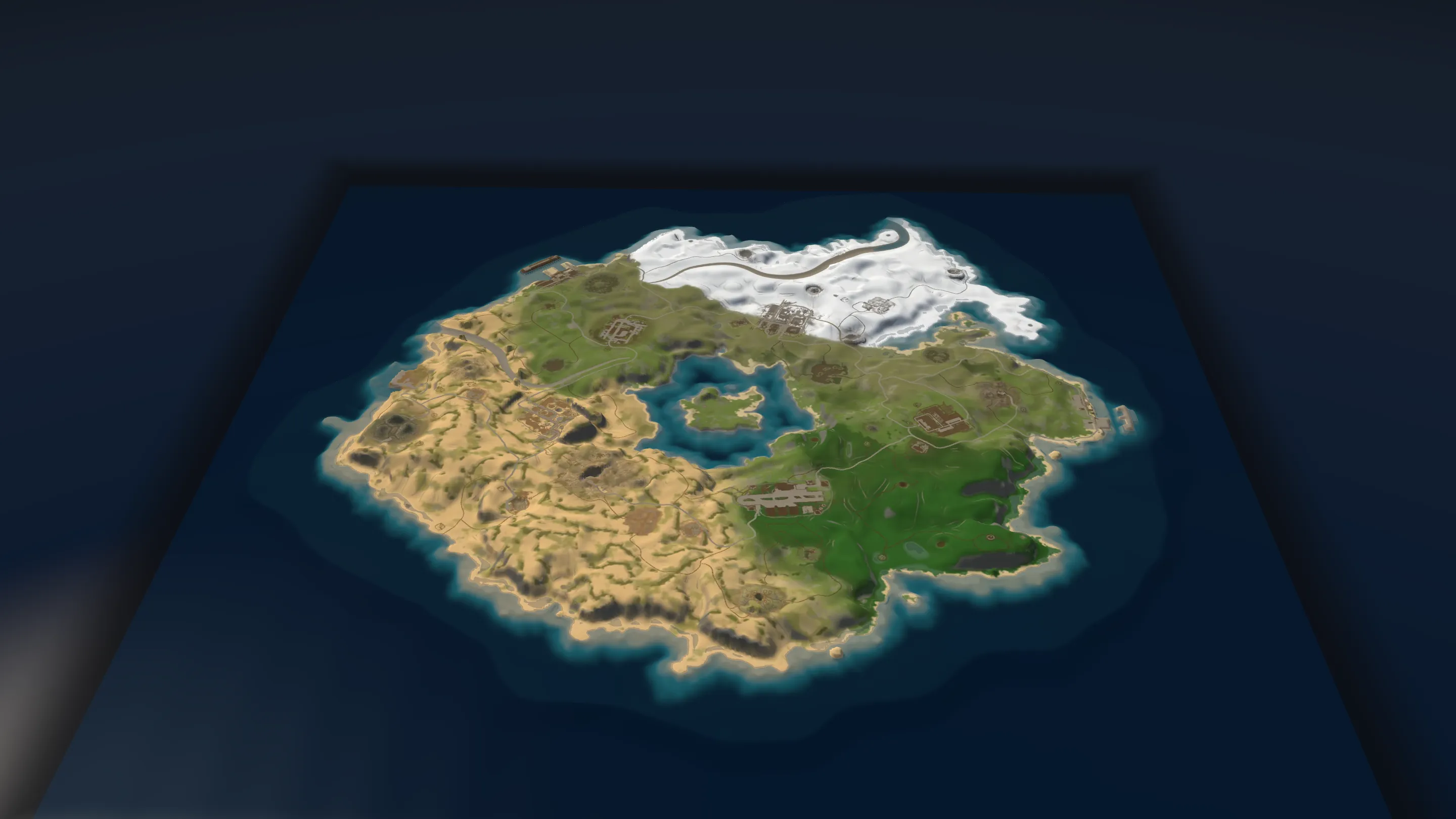
Run a Rust server on your PC and test your map in game before it goes live.
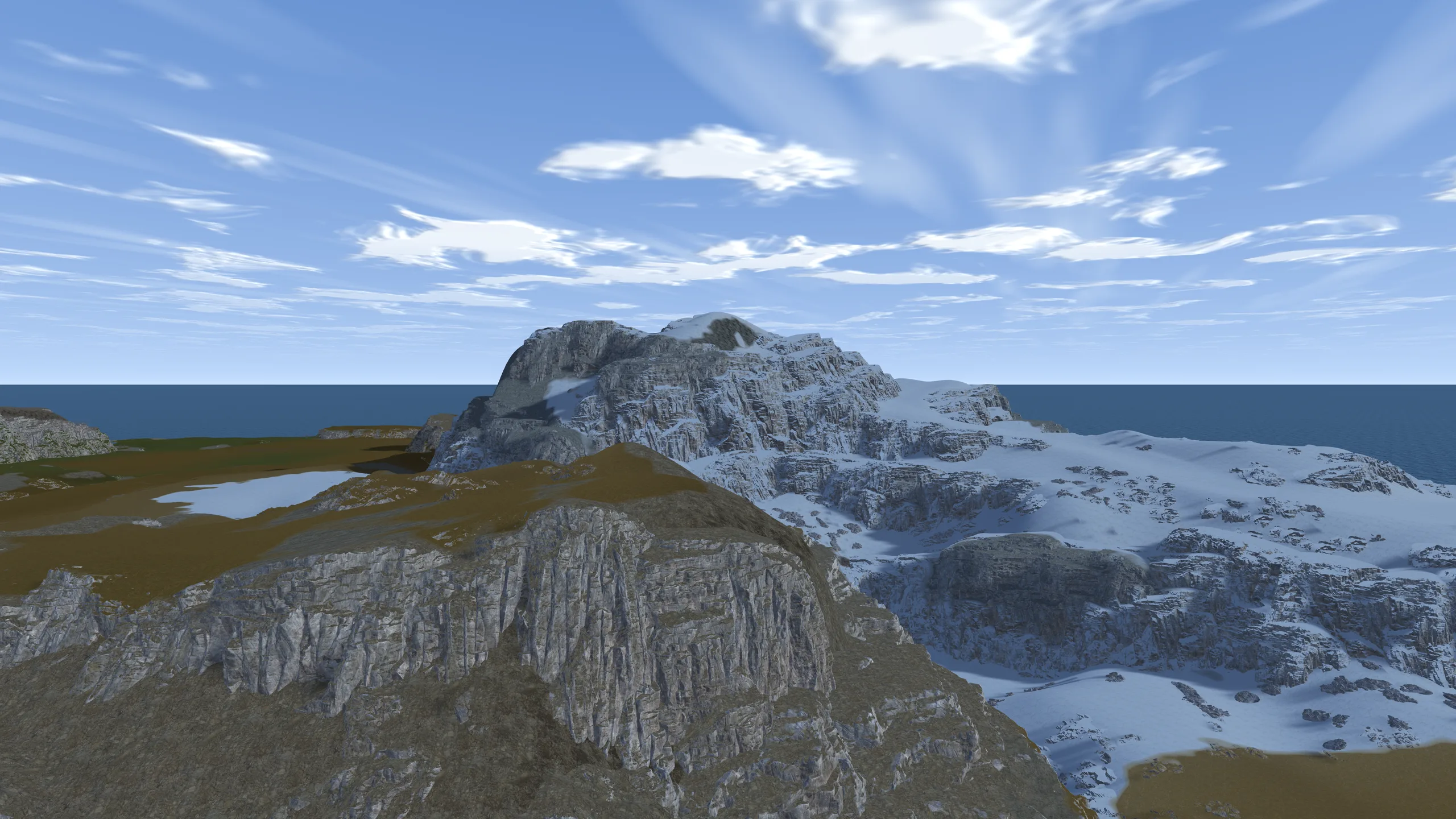
Any .map works, your Heightmap exports included.
A real Rust server, installed and running on your PC.
Rust opens straight onto your server.
Live console, one-click admin, and every command and server variable.

Carbon or Oxide, a plugin catalog, and plugins on and off without a restart.

A server.cfg form, plus a real editor that keeps the lines you wrote by hand.
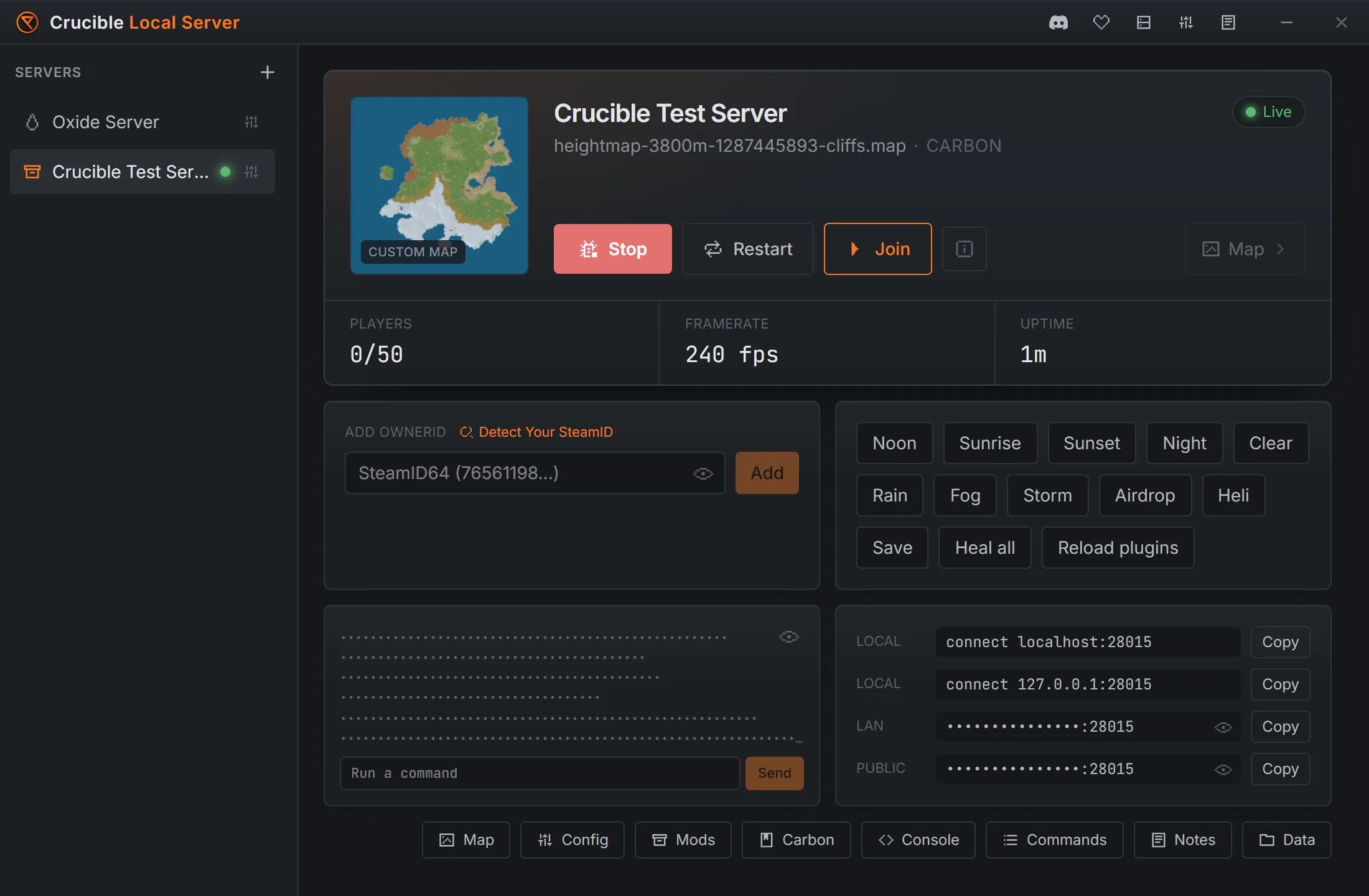
One click each, and the same for the time and weather.
Map, blueprint or full wipes, with a backup made first. Restore any backup from a list.
Rename, duplicate and reorder them. Run one at a time, or several at once.
Release, staging or any test branch Rust has. Each one updates when you press Start.
Noon, night, rain, fog, an airdrop or the patrol helicopter, one click each.
A notebook for every server, kept even if you uninstall.
Browse the server's own folder without digging through Windows.
Part 10 covers Crucible Local Server.
Yes. It comes with the Crucible launcher and needs no license key.
Not to run the server: Crucible installs the Rust dedicated server for you. To join and walk your map, you play with your normal copy of Rust.
About 6 GB for each server install.
Yes. Friends on your home network join with the LAN address the app shows you. For players elsewhere, forward the port on your router, or use a free relay like playit.gg, which needs no router setup. Only share your address with people you trust.
Yes, if you know how to run a public server. It is built for testing on your own PC, but nothing stops you opening it to players. If you would rather not keep your PC on all day, a server host such as Pine Hosting runs it for you.
Both. Pick either when you make a server, and install plugins from the catalog, from a link, or by dragging in a file.
Yes. Drag in any .map. Maps exported from Crucible Heightmap are listed for you automatically.
Nothing found. Try the docs or ask on Discord.